Starting a room and inviting somebody
A room is a conversation that translates itself. Starting one takes about ten seconds and needs nothing installed on either side.
Last updated 1 September 2026
Starting one
Open the home page and stay on Chat. You are asked for a name for the room, your own name, and the language you want to read in.
Only your name and your reading language matter. The room name is for finding it again later, and can be left empty. Chat asks nothing about languages you are studying: that is what Learn is for, and the two do not overlap.
- Type your name.
- Pick the language you want to read messages in.
- Press Create room.
Getting somebody else in
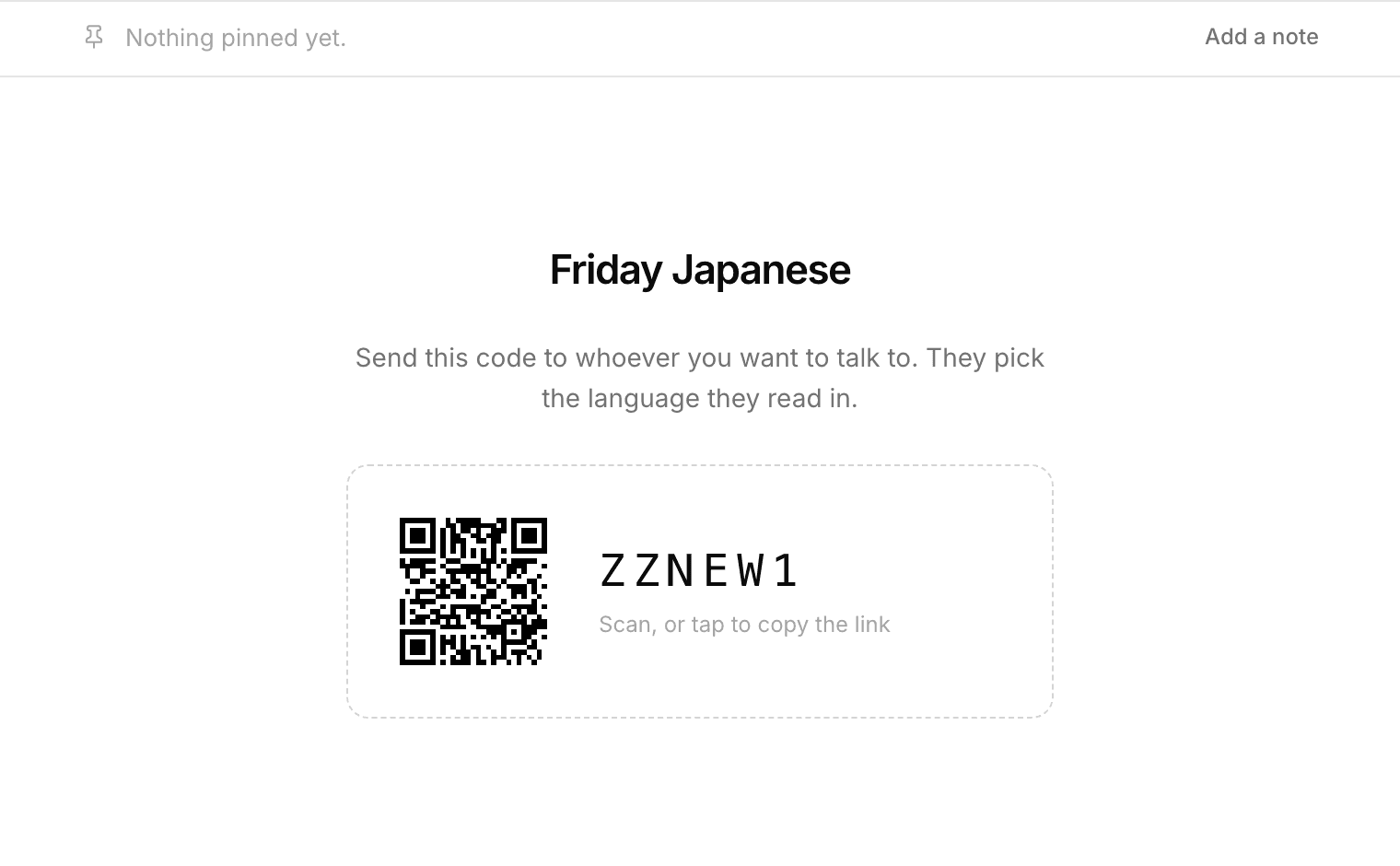
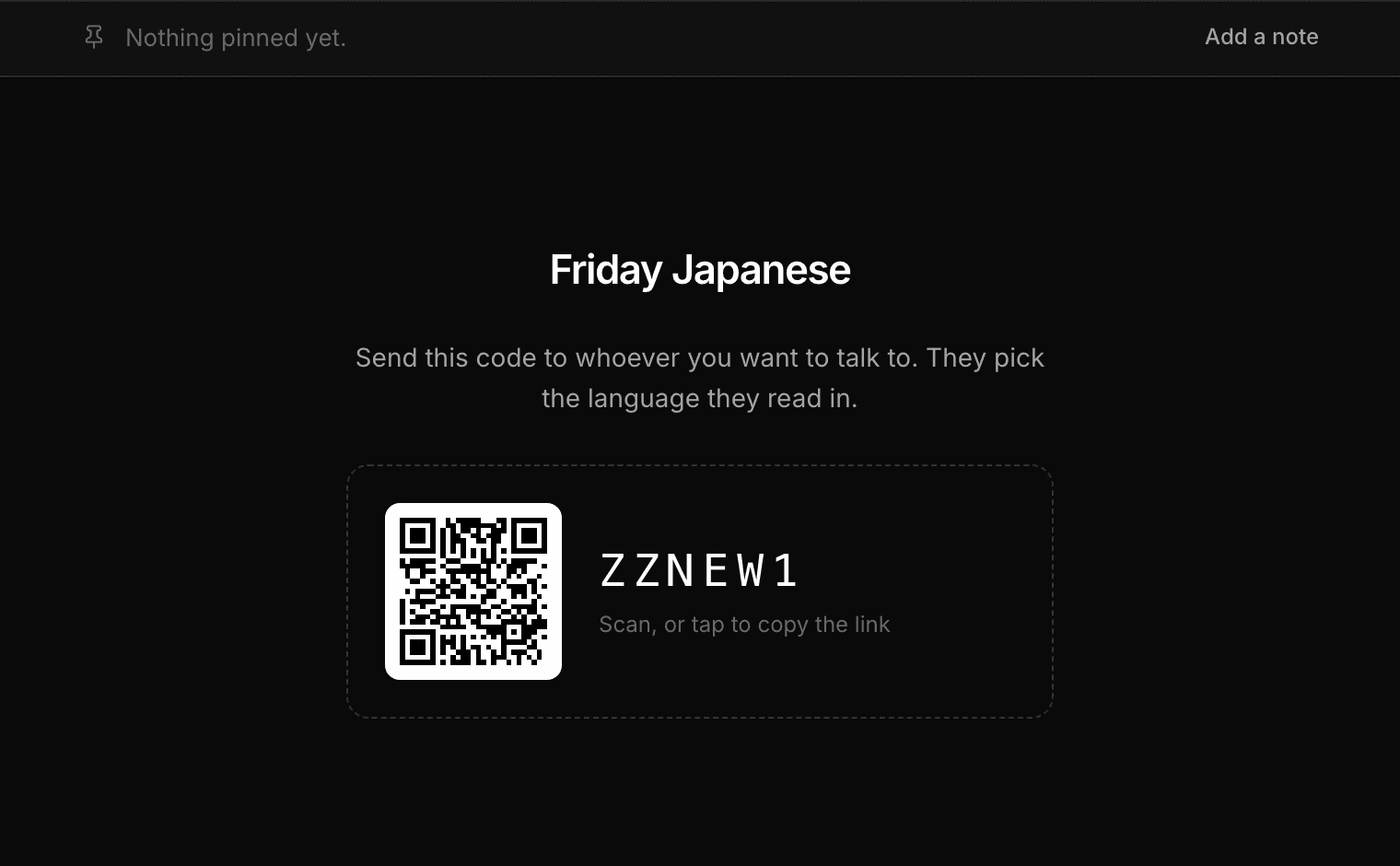
Every room has a six-character code. Tap it and, on a phone, your share sheet opens so you can send the link straight into whatever app you were going to send it in. On a computer it copies the link instead.
There is also a QR code, which is the fastest way when the other person is in the room with you. They point a camera at it and they are in.
Open the QR and there are two things beside it: save it as a picture, or copy a link to that picture for a page or a post. Both are the printable version, black on white with the margin a scanner needs, which the one on screen is not.
Whoever joins picks their own reading language when they arrive. They do not need to know what language you write in, and you do not need to know theirs.
Asking before somebody comes in
By default the code is the whole of the permission. Anybody holding it walks in, and anybody already in can pass it on without asking you, which suits a desk and does not suit every room.
A room you have kept can ask first. Somebody with the code gives a name and waits, you are told, and they are in as soon as you say yes. Until then they cannot read the conversation, cannot write, and nobody in the room can see them.
A knock that goes unanswered stops on its own, after five minutes or an hour, whichever you set. They are told nobody answered rather than left in front of a spinner, and knocking again is one tap.
There is also a link that skips the door, for the one person you want to walk straight in. Making a new one ends the old one.
Pinning something, and finding it later
Anything worth keeping at the top of a room can be pinned there: an address, an opening time, an order number. It sits above the conversation for everybody, in the room rather than in a message that scrolls away.
And the whole conversation can be searched, in the language you read rather than the one it was typed in. Somebody wrote you an address in Spanish and you read it in English: search the English words you remember and it finds the line.
In a room nobody has claimed, anybody in it can pin. In a room somebody keeps, it is theirs, and in a lesson it is the tutor's.
Do we need accounts?
No. A room works with nobody signed in, on either side. Signing in is only for keeping things: your rooms, the words you save, the corrections you were given, and a page students can start a lesson from.
A room nobody has claimed holds 150 messages. Keeping it with an email raises that to 5,000.
- How everyone reads in their own language
- Learning a language here
- Practising with Ren when nobody else is around
- Speaking instead of typing
- Reviewing the words you saved
- Finding out what you keep getting wrong
- Learning a language written in a script you cannot read
- Talking to somebody who does not share your language
- Keeping a room, and deleting a conversation
- Putting a translating chat room on your own site
- Using Cross Convo to teach