Reviewing the words you saved
Tapping a word to see what it means is easy to do and easy to forget. The review screen is what stops a saved word being a bookmark nobody opens again.
Last updated 31 August 2026
How it decides
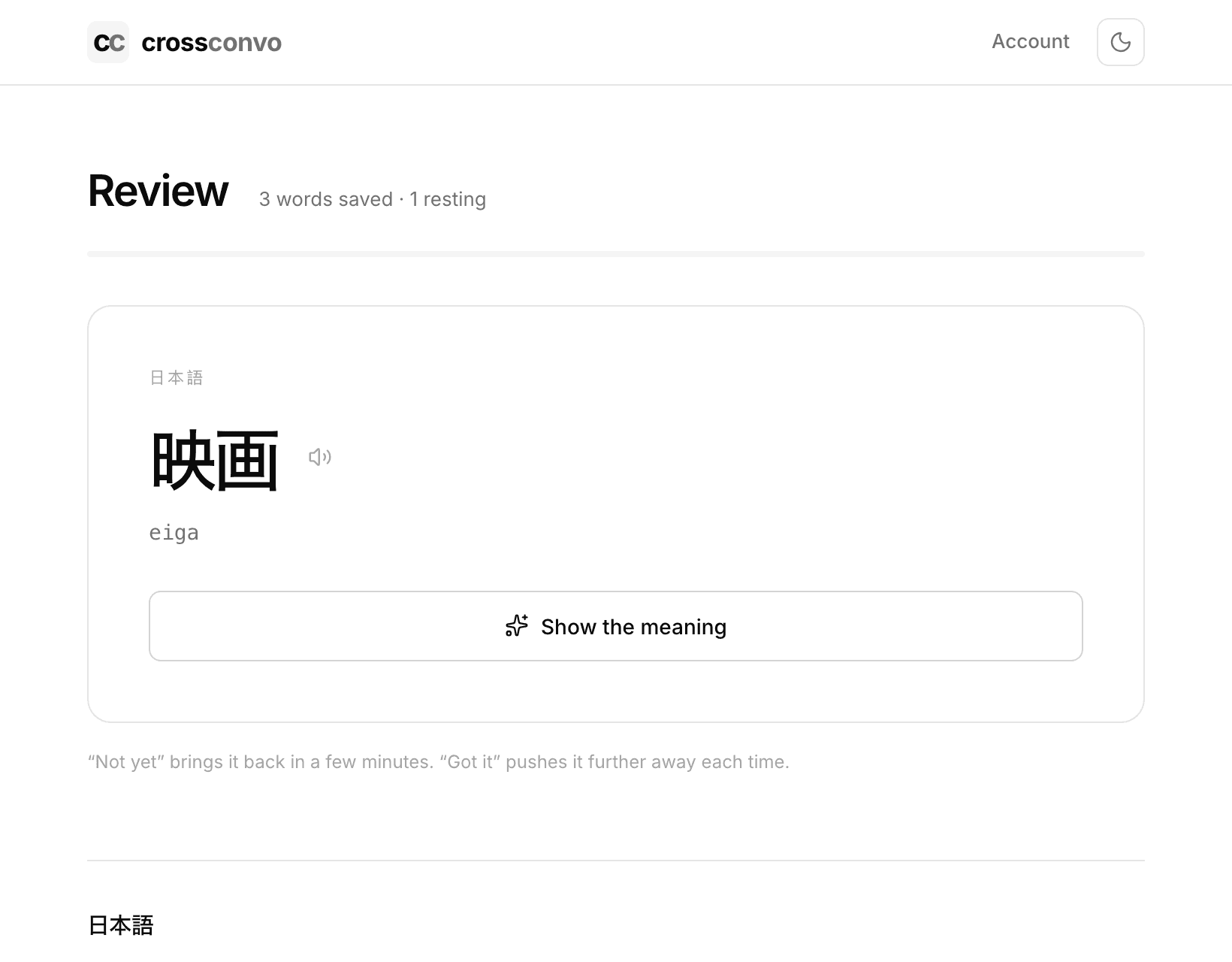
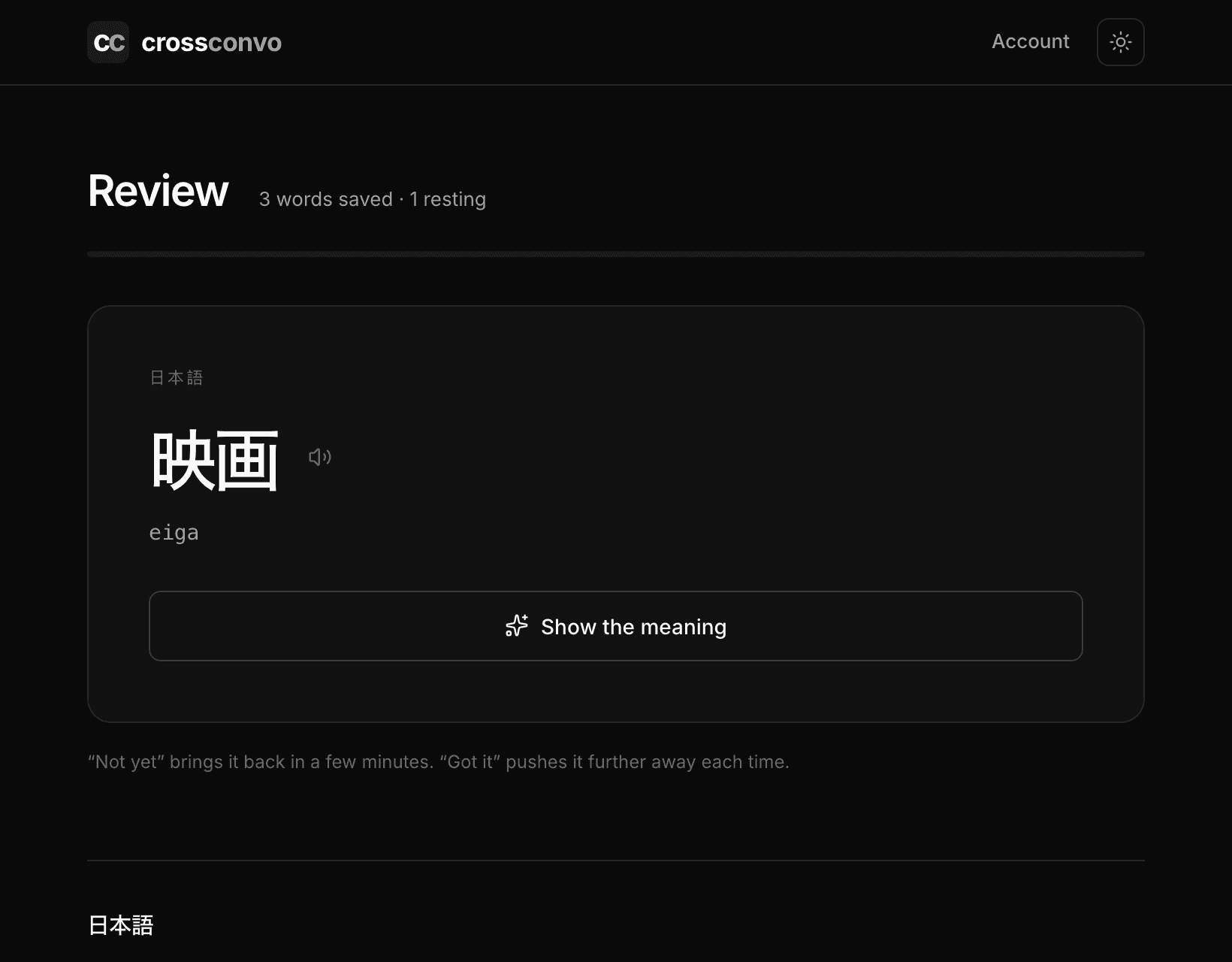
One card at a time, with the meaning hidden until you ask for it. Trying to remember first is the part that does the work, so the answer stays covered until you have.
Get it right and the word moves further away: a day, then three, then a week, then a fortnight, then a month, then three. Get it wrong and it comes back in ten minutes, inside the same sitting, rather than tomorrow.
Using a word counts more
Every message you write is read for words you have saved, and any it finds move forward on their own. You never have to open the review screen for that to happen.
It counts for more than a card does, because producing a word from nothing is stronger evidence you know it than recognising one you are being shown.
Words in a script you cannot read
The card shows the word, how it is pronounced in letters you can read, and a button that reads it aloud. A word you have only ever seen is half learned.
Where they come from
Anywhere you have been. Words follow the account rather than the room, so something you tapped in a lesson last week turns up alongside something you tapped talking to a friend this morning.
Three things put them there: a word you tapped, a whole line you kept, and a word your tutor sent you during a lesson. They are reviewed alike once they arrive.
The same word saved twice is one thing to learn, and answering it once schedules every copy.
- Starting a room and inviting somebody
- How everyone reads in their own language
- Learning a language here
- Practising with Ren when nobody else is around
- Speaking instead of typing
- Finding out what you keep getting wrong
- Learning a language written in a script you cannot read
- Talking to somebody who does not share your language
- Keeping a room, and deleting a conversation
- Putting a translating chat room on your own site
- Using Cross Convo to teach