Using Cross Convo to teach
This started as a chat room and turned into a tutor's tool because tutors kept being the people it suited. If you teach a language, here is what it gives you that a video call does not.
Last updated 31 August 2026
Your own page
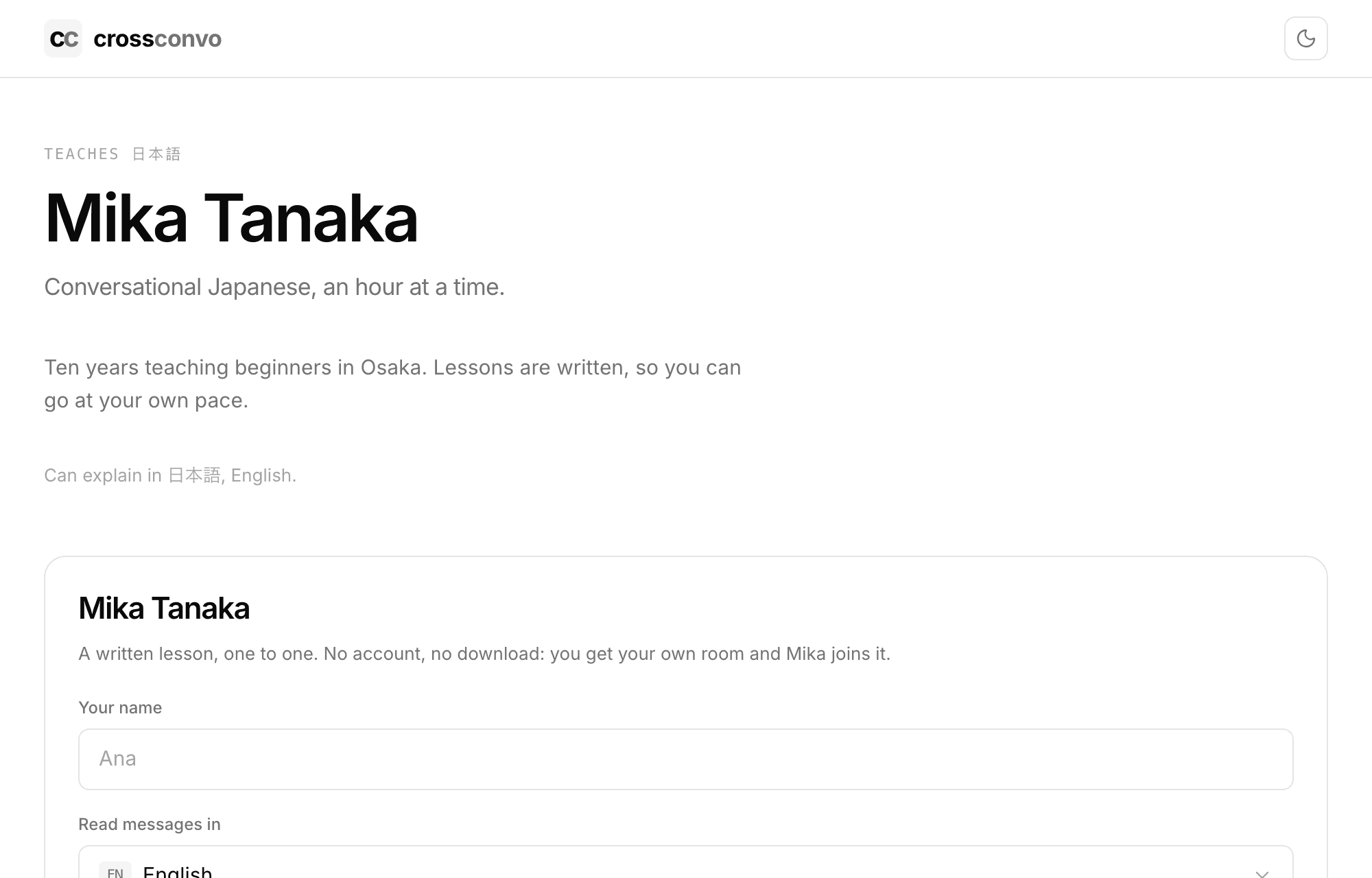
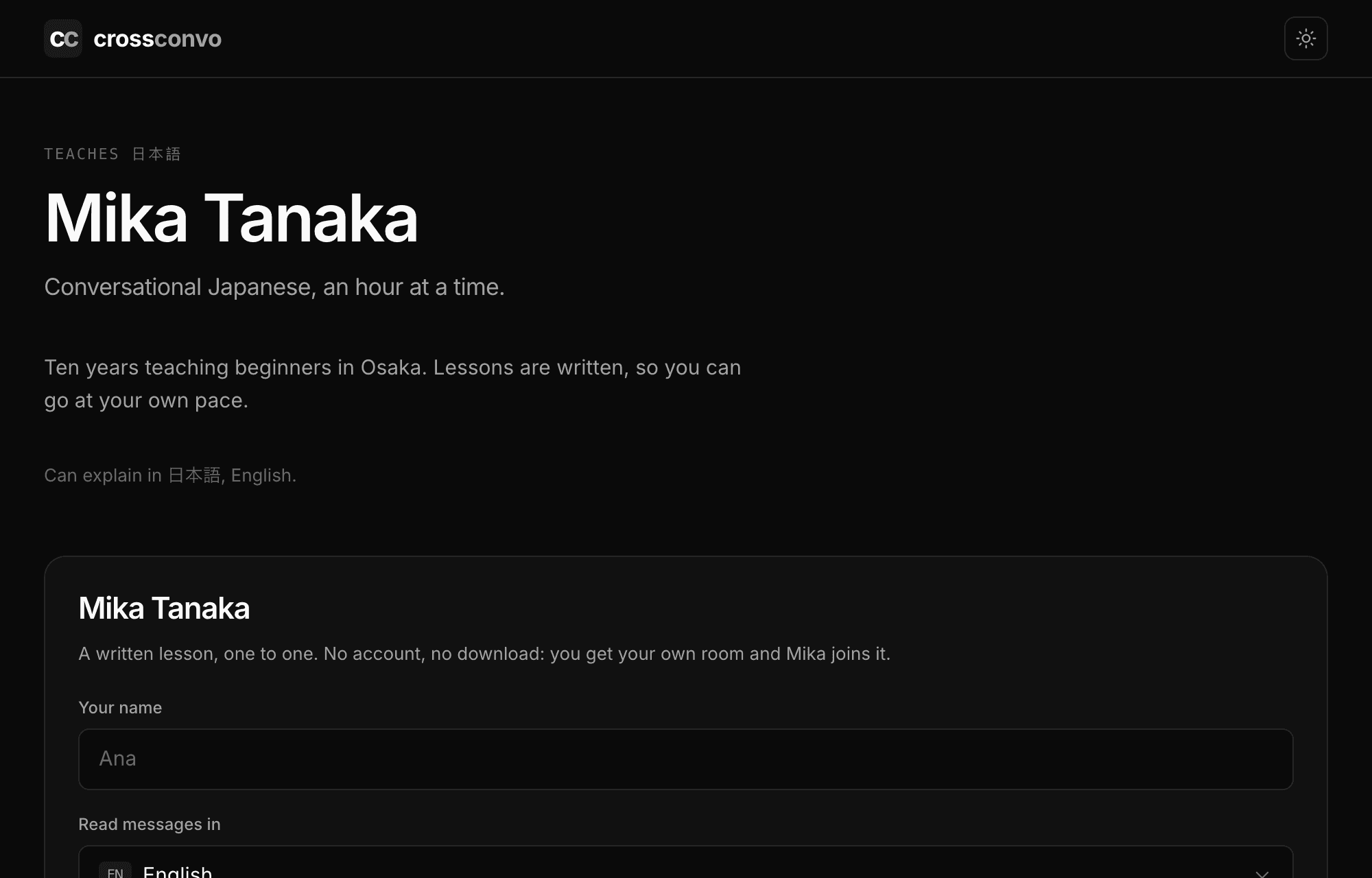
Claim a handle and you get a page at crossconvo.com with your name, what you teach, and one thing to do on it: start a lesson. A student fills in their name, picks the language they read in, and they are in a room with you.
No account for them, nothing to install, and it works on whatever phone they already have.
Writing the page is free and you can see exactly how it looks before you decide. Publishing it, so students and the tutor directory can reach it, is part of Premium.
A draft holds its link for a week after you last work on it, and a published page holds its own for good. Nothing you have written is lost either way.
Putting it on your own site
The same page can be embedded in a site you already own, as a single line of HTML you copy from your account page. It puts a bubble in the corner, and the lesson opens in the bubble, so a student never leaves your site.
Your rooms can go on a site the same way, for anybody who wants to reach you rather than book a lesson. A room bubble can be public or private, the way your page always gives each student their own. Both are part of Premium.
Teaching in the room
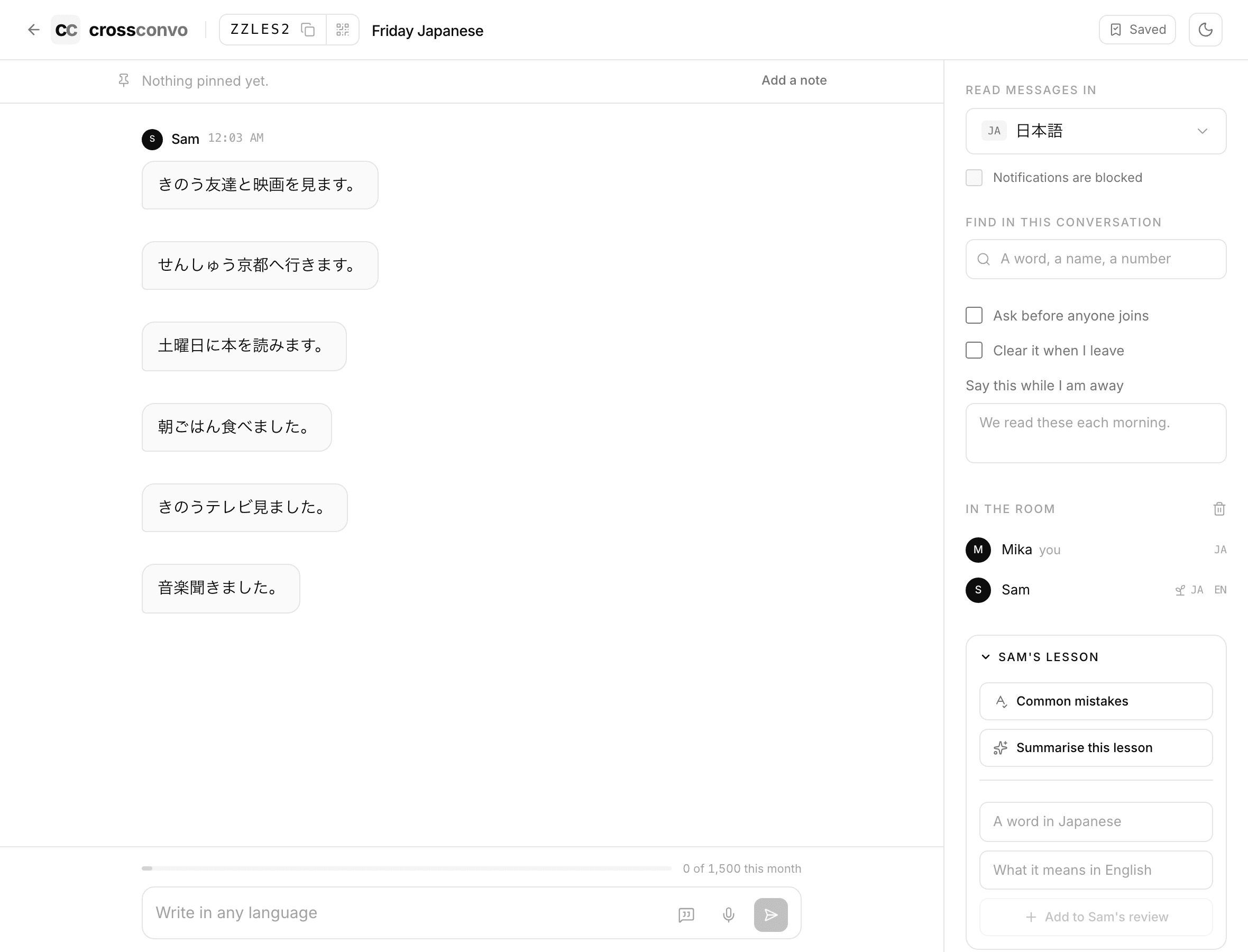
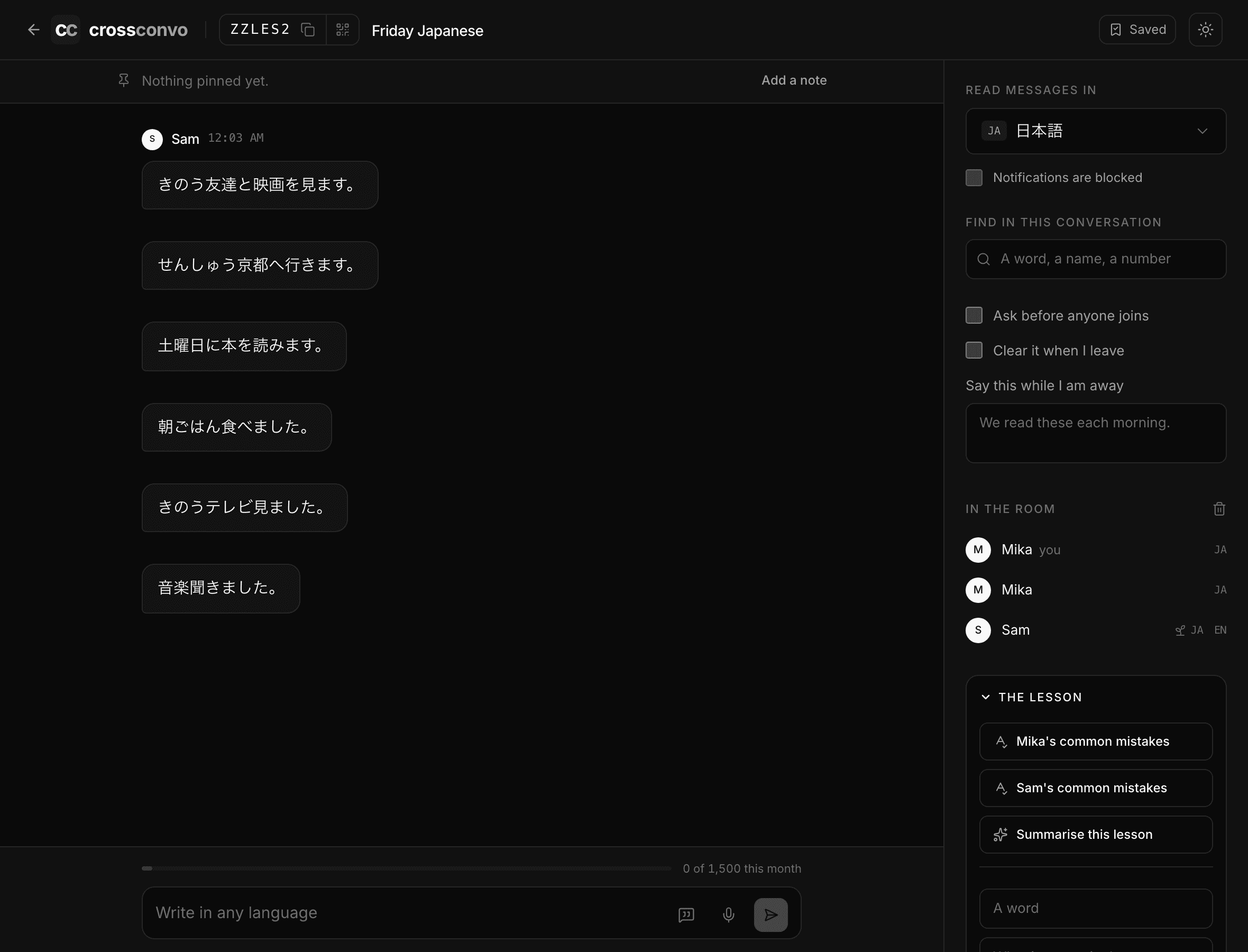
You can correct a line your student wrote. The room marks writing on its own, and in a lesson you can mark it yourself: the correction starts from what they typed, so changing one word is one word of typing, and what you write replaces whatever the room had put there. Clearing it takes the mark off entirely.
You can put a word into their review, with what it means, and it joins the schedule that brings it back over the following weeks. It is the difference between an hour that ends and an hour that carries into the week.
You can ask what they keep getting wrong. It reads the corrections from this lesson and names the habits in them, which is the thing worth talking about next time and the thing hardest to see while a conversation is happening.
And you can read the lesson back: what the hour covered, the words worth keeping, and where to pick up. Each word it finds can go into their review in one tap, and the reading itself can go to them whole.
Who gets into a lesson
A lesson opens to whoever has the link, which is what makes it one thing to send and nothing to arrange. If you would rather answer the door yourself, the room can ask first: a student gives a name and waits, and you let them in.
Hand one student a link that skips it and they walk straight in, which is the version most tutors want: the door for anybody who found the code, and no door for the person you are expecting.
What a student sees of this
Your corrections, the same as any other. The two readings are yours until you hand them over: reading a lesson back and naming what somebody keeps getting wrong are written for the person teaching, and neither reaches the student unless you send it.
Each of them has a Send button. What you send arrives in the student's own panel, in the room it came from, while they are still sitting in it, and their phone says so if they have closed the tab. Reading a lesson back twice replaces what you sent rather than adding to it.
All of it is limited to the lesson. What a student does in their own rooms is not visible to you, and their own review screen draws on everything they have ever written rather than on your hour.
What the student keeps
Your student needs no account for the lesson itself. Keeping what comes out of it is a different thing: the words they tapped, the corrections the room made to their writing, and the schedule those go into are all held against an account, so a student who never signs in starts each lesson with nothing carried over.
Signing in is a link sent to an address, with no password, and it is worth asking for once. After that the hour they spend with you keeps working without you preparing anything.
Written, not spoken
Lessons here are text. That is a limitation for pronunciation work and an advantage for everything else: a beginner can read a sentence at their own pace, tap the word they did not know, and go back to it a week later. None of that survives a video call.
- Starting a room and inviting somebody
- How everyone reads in their own language
- Learning a language here
- Practising with Ren when nobody else is around
- Speaking instead of typing
- Reviewing the words you saved
- Finding out what you keep getting wrong
- Learning a language written in a script you cannot read
- Talking to somebody who does not share your language
- Keeping a room, and deleting a conversation
- Putting a translating chat room on your own site