How everyone reads in their own language
Most translation tools ask two people to meet in the middle. This does not. Everyone writes in the language they think in, and everyone reads in the language they chose.
Last updated 31 August 2026
What actually happens
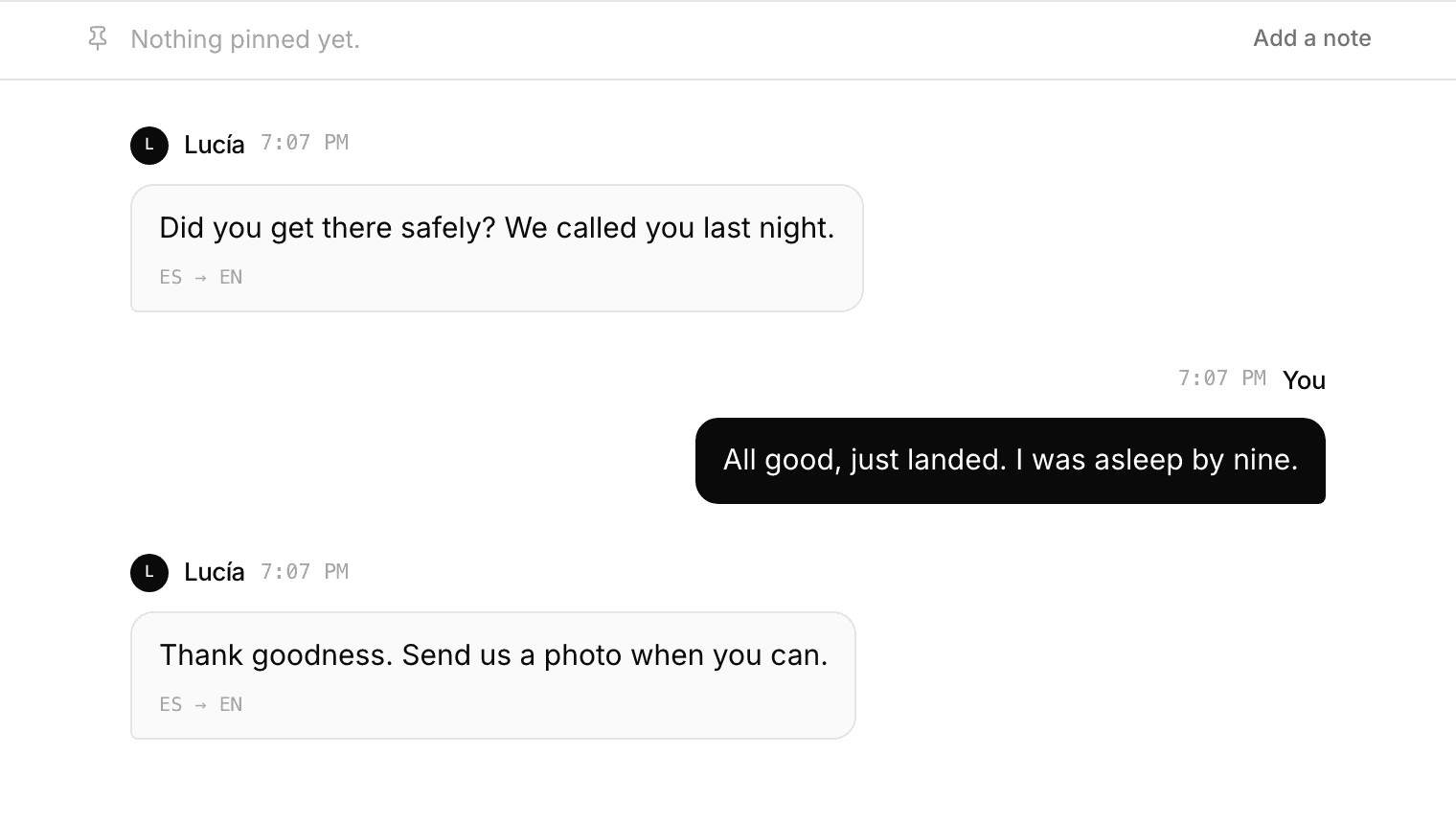
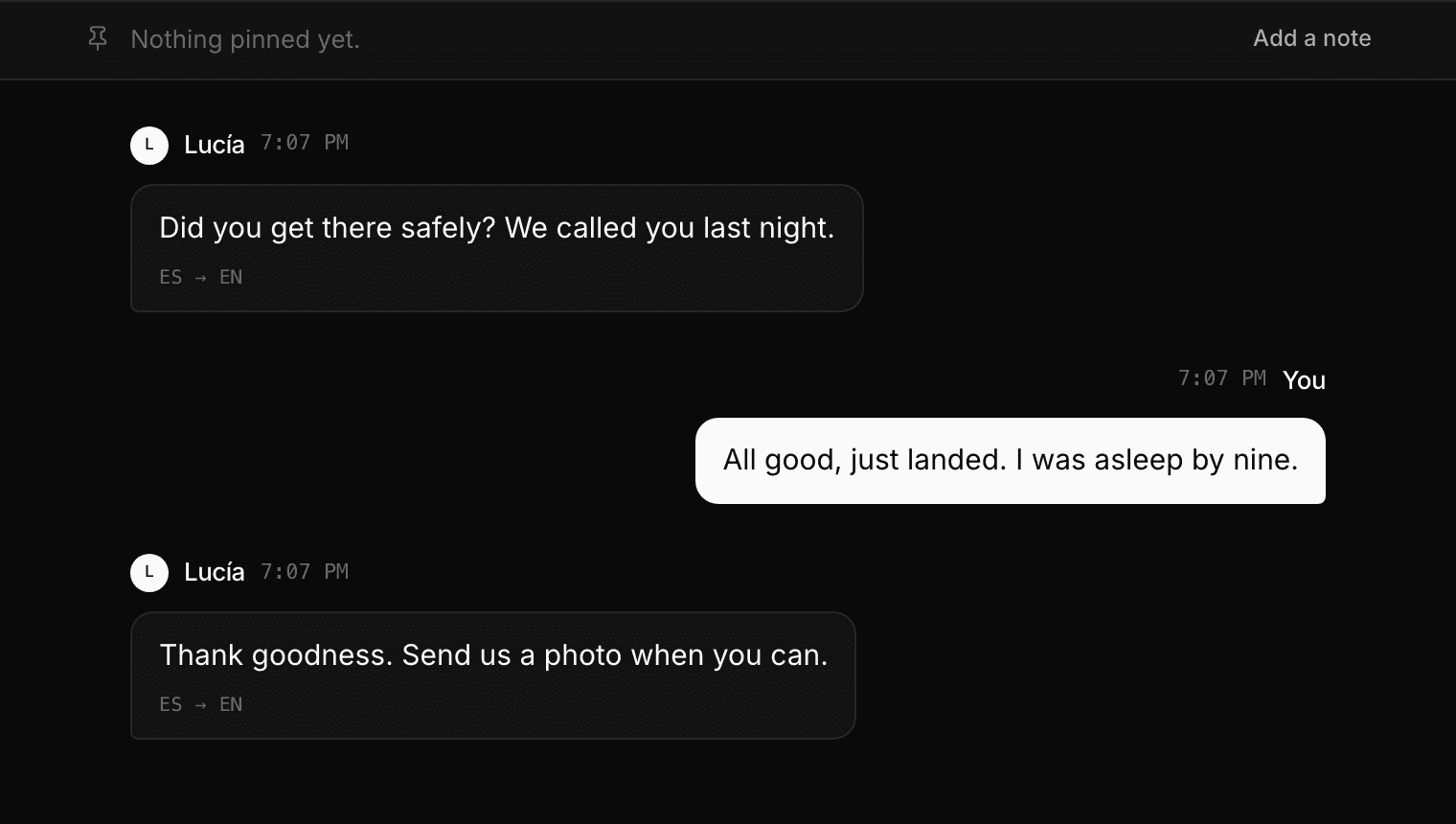
When you send a message it is delivered straight away and translated a moment later, into every language somebody in the room is reading. Nobody waits on a translation before your message arrives.
If a translation is slow or fails, the message is still there, shown as you wrote it. A conversation should not stop because a translation did.
Numbers get watched
A translation that reads perfectly can still carry the wrong quantity, and that is the one mistake nobody catches by reading the sentence: fifteen boxes and fifty boxes are both a sensible thing to have written.
So the numbers in what was typed are compared with the numbers in what you are shown, and where they disagree the line says what was actually typed. It says nothing at all when they match, which is nearly always.
Changing your language mid-conversation
Change the language you read in and the history follows you. Messages that were already on screen are translated into the new language, not just the ones that arrive afterwards.
This also means a third person can join an hour in and read everything that was said before they arrived.
How many languages
Seventy-two, including every major script rather than only the European ones. Arabic, Hebrew, Persian, Urdu and Pashto are laid out right to left where they should be.
A room can hold thirty-two people, and each one reads in whatever they picked.
- Starting a room and inviting somebody
- Learning a language here
- Practising with Ren when nobody else is around
- Speaking instead of typing
- Reviewing the words you saved
- Finding out what you keep getting wrong
- Learning a language written in a script you cannot read
- Talking to somebody who does not share your language
- Keeping a room, and deleting a conversation
- Putting a translating chat room on your own site
- Using Cross Convo to teach