Putting a translating chat room on your own site
Somebody lands on your site with a question and does not share a language with you. This is the shortest way to answer them: a bubble in the corner, one line of HTML, and both of you writing normally.
Last updated 1 September 2026
What it does
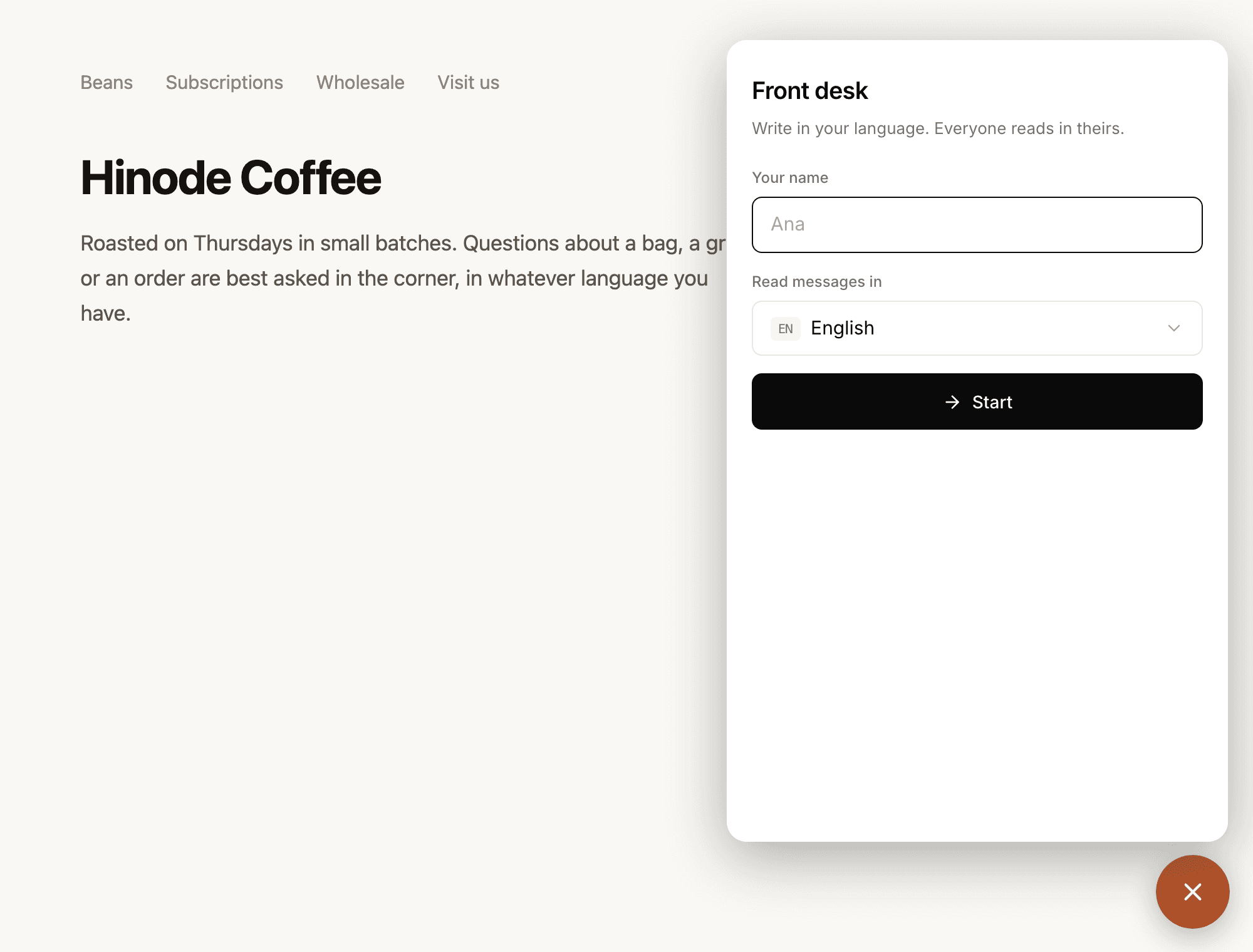
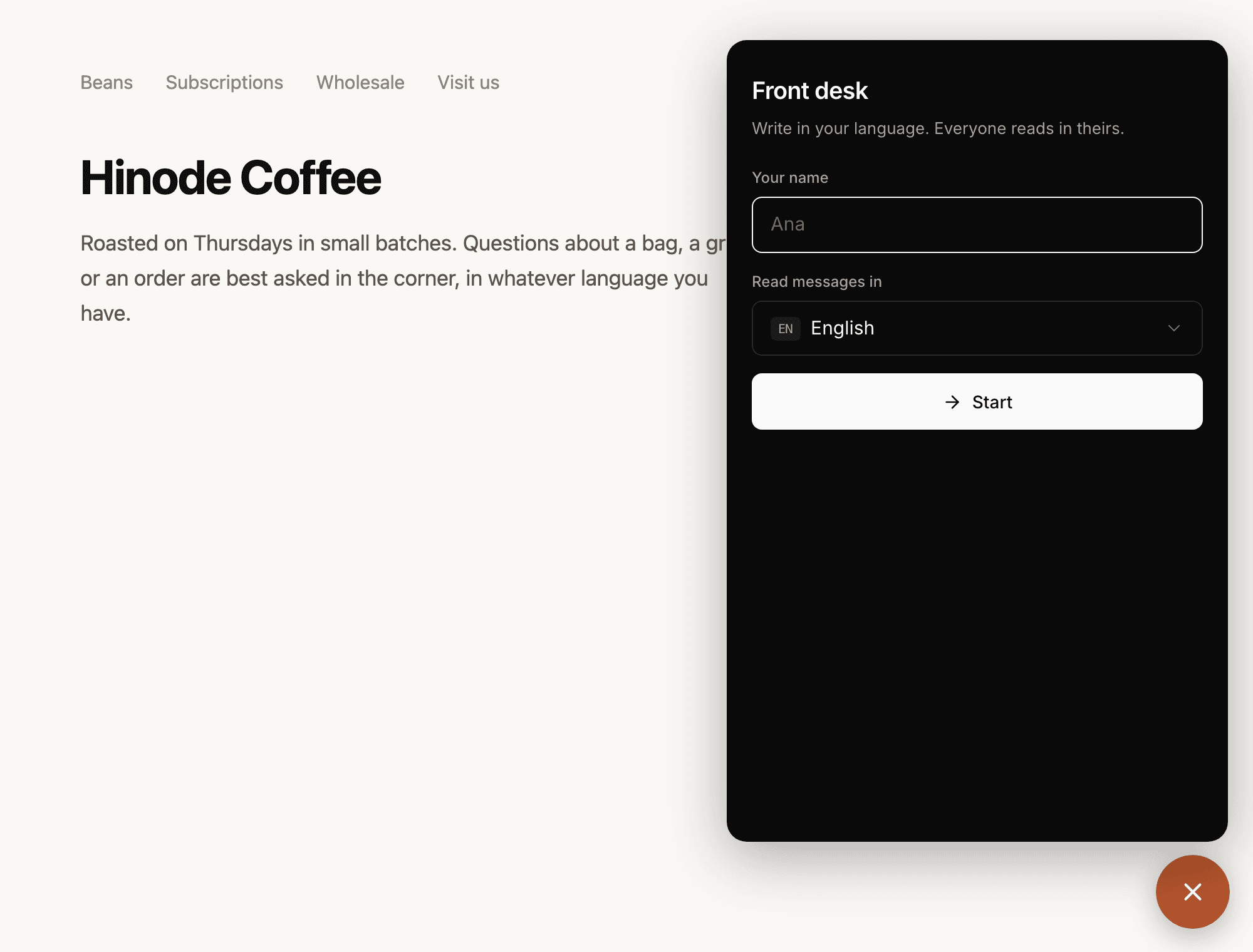
A bubble sits in the corner of your own pages. Somebody presses it, gives a name, and is writing to you. What they send arrives in your language and what you send arrives in theirs, both of you writing the one you think in.
They need no account, nothing to install, and no app. It works on whatever phone they already have, in seventy-two languages, including every major script rather than only the European ones.
The line you paste
Make a room, open your account page, and copy the line beside it. It goes anywhere in the page, once, and nothing else has to change.
It costs nothing until it is pressed. The bubble is a small script; the room itself is not loaded until somebody actually opens it, so a page carrying this is not a page carrying a chat app.
- Make a room and give it a name.
- Copy the line from your account page.
- Paste it into your page, anywhere.
Nobody leaves your site
The conversation opens inside the bubble, on your domain. Your visitor is not sent to crossconvo.com, does not see our name, and does not land on a page they did not choose to be on.
You choose the corner it sits in and the colour of the button. The colour is kept on your account, so changing it changes every bubble you have already put anywhere without you touching the line again.
Public or private
You choose when you make the room, and the room keeps the answer. Public puts everybody who opens it in the same room, where they read each other. Private gives each person a room of their own.
The snippet follows the room, so there is nothing to set twice and nothing to keep in step. Your list of rooms says which each one is, and so does the room itself.
Public does not mean anybody can find it. Your page is still the only way in.
Private rooms arrive in your account under Private chats, named after whoever gave a name. Press the bubble again tomorrow and that person comes back to what they said.
That list also says how the desk is doing: how many conversations started in the last thirty days, how many you answered, and how long your first reply took.
A public room can also empty itself. Tick “Clear it when I leave” and its history goes once you have been gone, before the next visitor reads it. You choose how long it waits, from a minute to an hour.
Either way it is a room. Anybody you give the code to can join, up to thirty-two people.
A tutor page is the same idea with a profile attached. A student who opens it gets a lesson of their own.
While you are not there
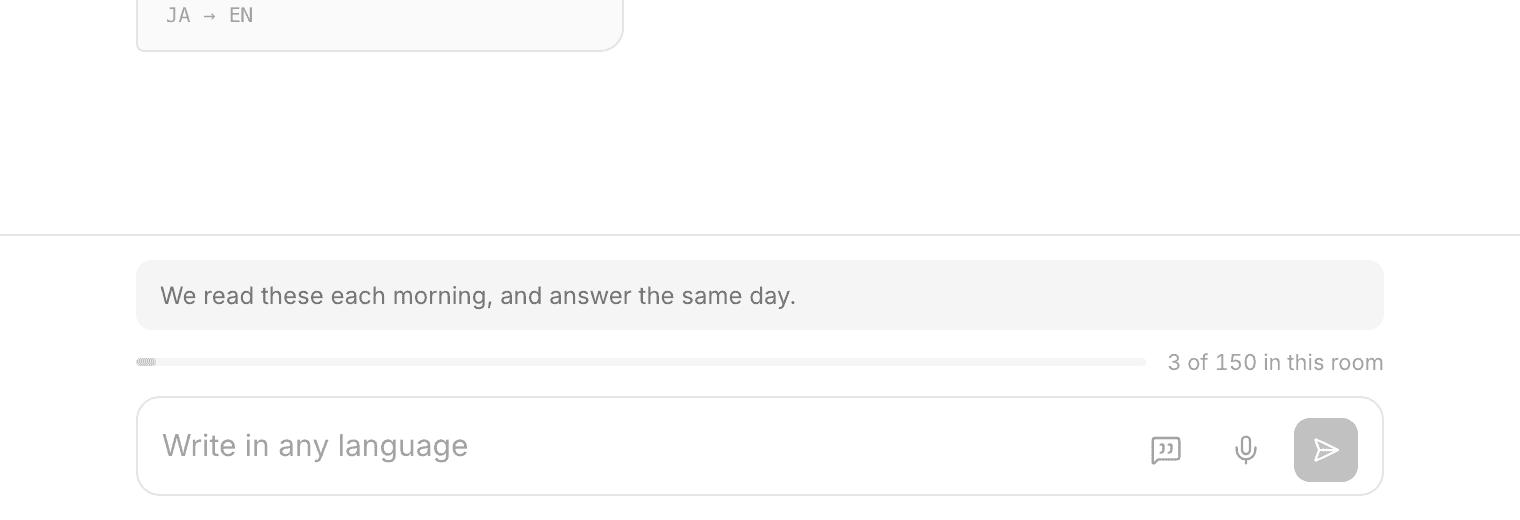
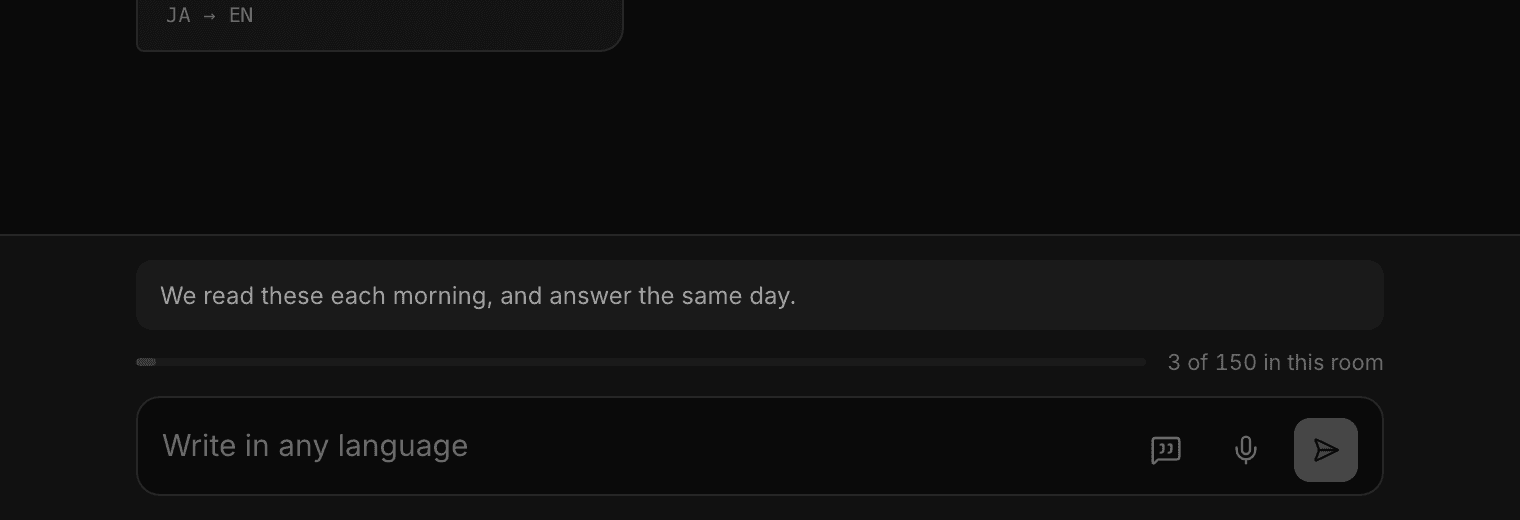
Set a line the room says for you. Somebody who presses the bubble sees it once you have been gone five minutes, and you never see it yourself.
You are told when they write, on the phone you signed in on. A private bubble does not wait to be set up: the room did not exist until they pressed it, so there was nothing to switch on.
If you have installed Cross Convo, the number of conversations waiting on you sits on the app icon.
Answers you give often
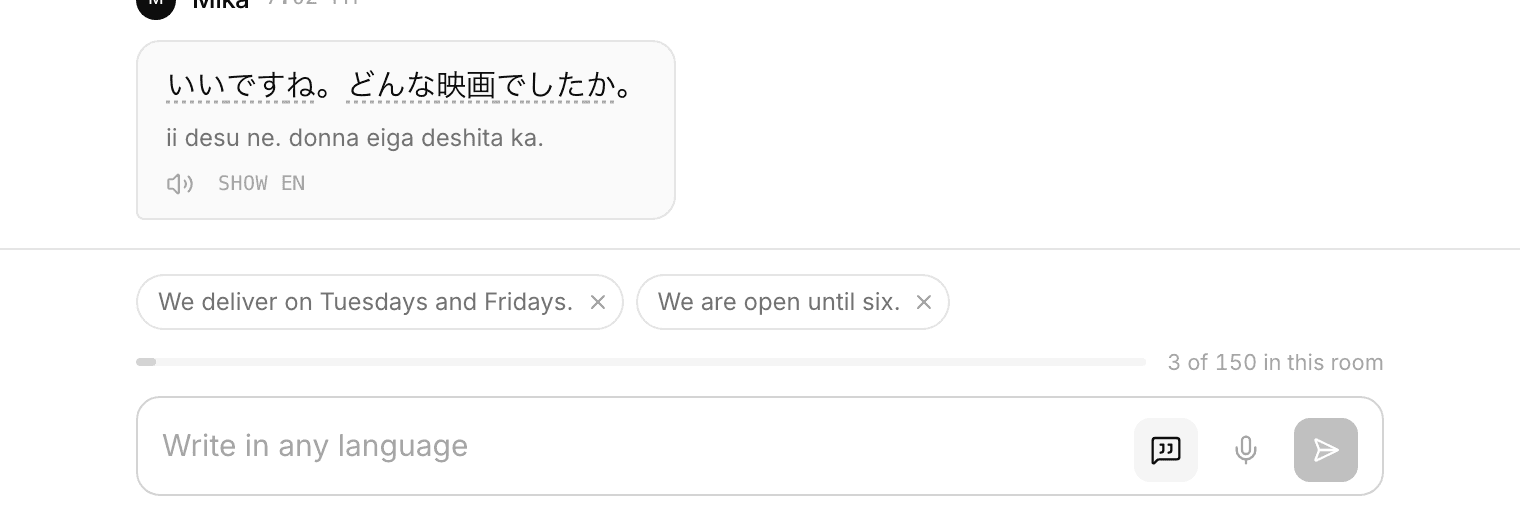
Delivery times, opening hours, whether you ship somewhere. Keep an answer once and it is a tap away in every room.
Tapping one puts it in the box rather than sending it, so you can add a name or change the last line first.
They are yours, not the room's, and they translate like anything else you write. One saved line answers somebody in any language.
What it costs
Embedding is part of Premium, at seven dollars a month, which also covers 1,500 messages and 500 AI replies. The messages your visitors send are counted against that, and nothing is charged to them.
The room keeps working whatever happens to the subscription. What stops is the bubble on your site.
If a bubble is wrong for the page
There is a card you can put in the page instead, for a page the conversation is the point of, where a bubble in the corner covers the thing somebody came for.
It sits in your layout wherever you put it, and it follows the same choice: public or private, exactly as the bubble does.
- Starting a room and inviting somebody
- How everyone reads in their own language
- Learning a language here
- Practising with Ren when nobody else is around
- Speaking instead of typing
- Reviewing the words you saved
- Finding out what you keep getting wrong
- Learning a language written in a script you cannot read
- Talking to somebody who does not share your language
- Keeping a room, and deleting a conversation
- Using Cross Convo to teach